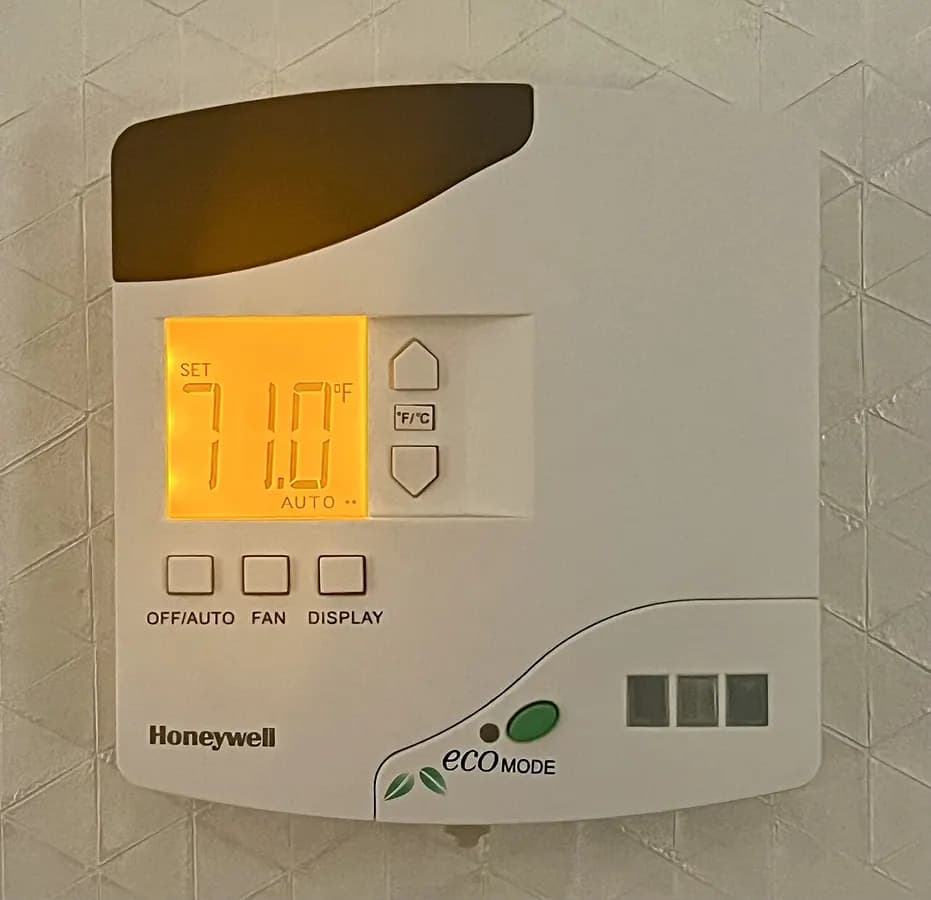
Photo: TaurusEmerald, “Honeywell E528 Smart Digital Thermostat”, CC BY-SA 4.0, via Wikimedia Commons. Resized and converted to WebP; shown cropped.
Smart home & low-voltage: the basics
Smart thermostats, cameras, doorbells, networking, alarms, speaker and TV wiring.
The full guide for this trade is being written. Until then, here is what we know for sure: the problems that belong here, who handles them, and how to check a contractor.
On this page4 sections: urgent, permits…
What people call about
- Install a smart thermostat
- Wi-Fi dead spots
- Doorbell camera
- Alarm system
How soon to call
Schedule it
Install a doorbell camera
Ask for: video doorbell installation
Home security system
Ask for: security system and camera installation
Water leak sensors
Ask for: leak detection and auto-shutoff
Install a smart thermostat
Ask for: smart thermostat installation
Smart thermostat went offline
Ask for: smart device troubleshooting
Wifi dead spots in the house
Ask for: home networking
Run ethernet through the house
Ask for: low-voltage wiring
Install outdoor cameras
Ask for: camera installation
Home theater setup
Ask for: audio video installation
Smart lights and switches
Ask for: smart lighting
Intercom or whole-house audio
Ask for: intercom and audio
Smart home devices won't talk to each other
Ask for: smart home integration
General guidance, not a diagnosis. If anyone is in danger, call 911 first.
Permits and licensing
- This work rarely needs a permit, but a town can still require one for parts of it.
- Licensing depends on the state: a trade license in some, a home-improvement registration in others, none in the rest. The finder shows what the record says where one exists.
- Rebates or tax credits sometimes apply to this kind of work; they depend on the program and the equipment, so check before you sign rather than assume.
Know what you're looking at
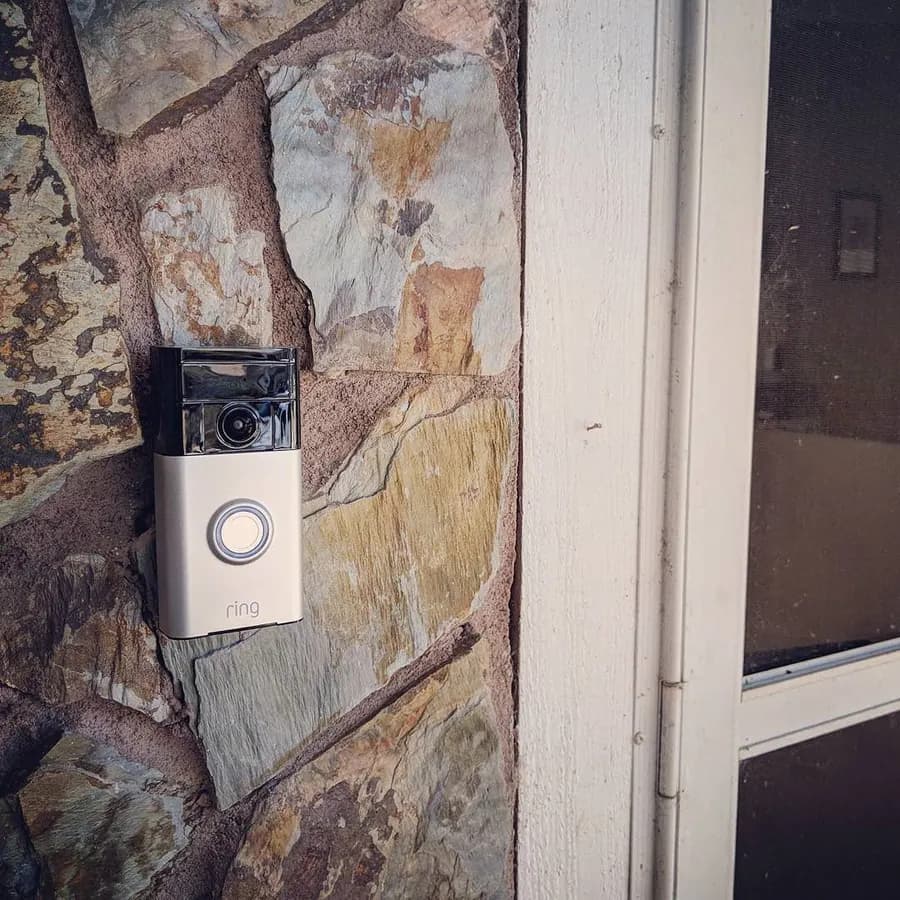
Video doorbells record visitors and send alerts. Ask about the power source (battery or doorbell wiring), whether recordings need a monthly plan, and who can see the video.
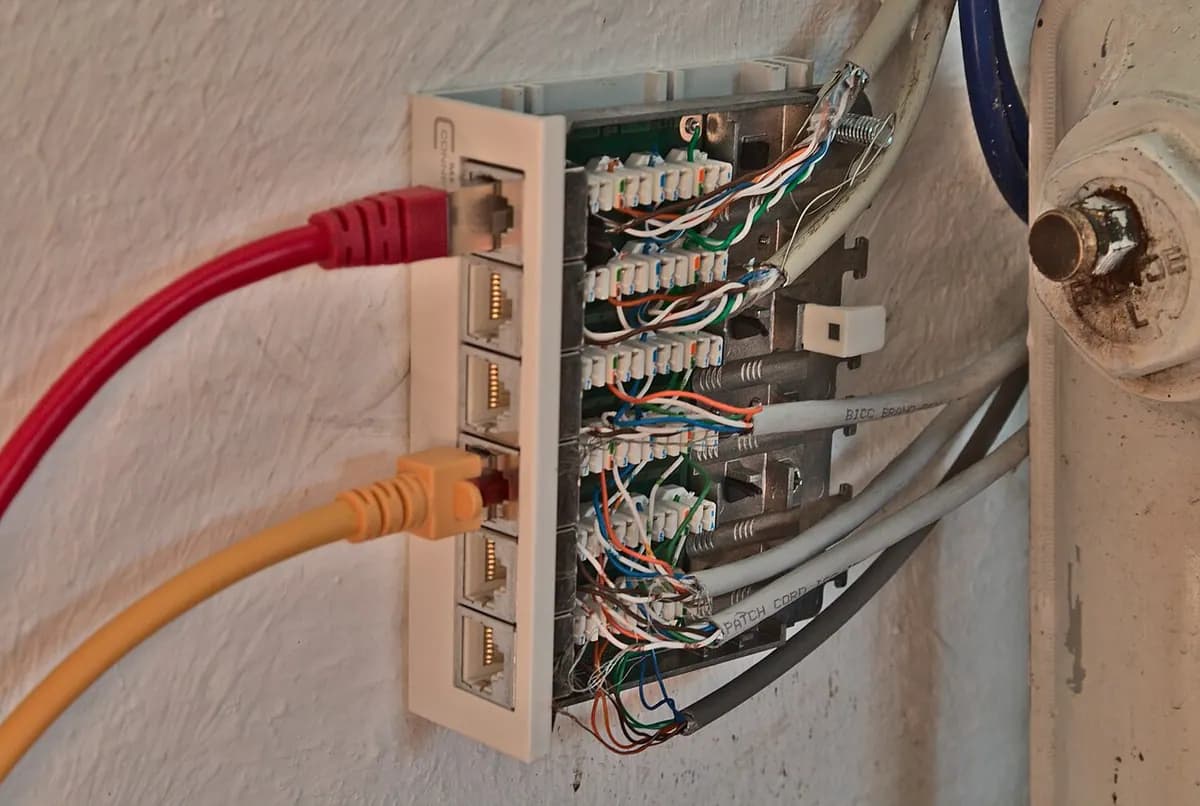
Wired Ethernet runs back to one panel. For hard-wired internet in more rooms, ask for the cable type, the number of connection points and whether wall plates are included.
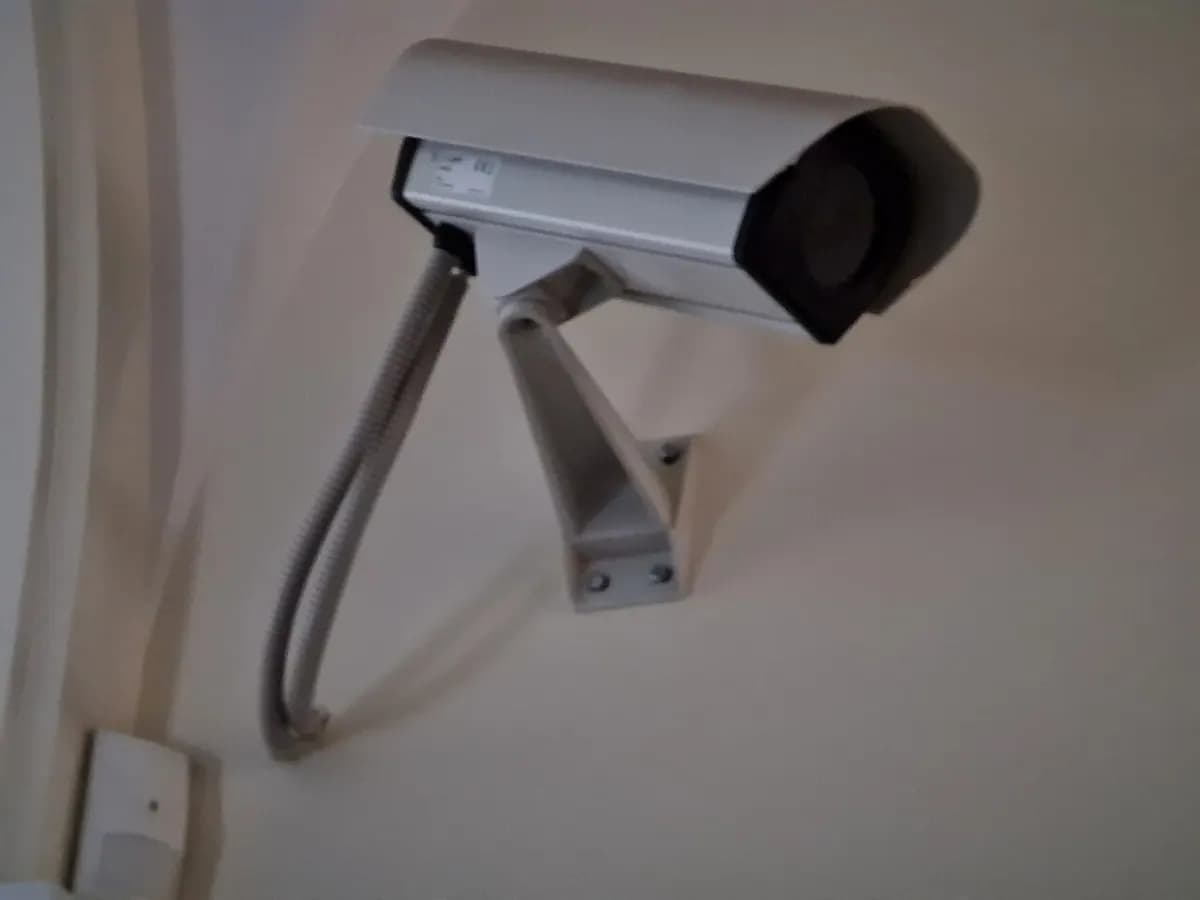
Cameras raise privacy questions: in many places you can record your own property but not your neighbors' or audio. Ask who owns and can access the footage.
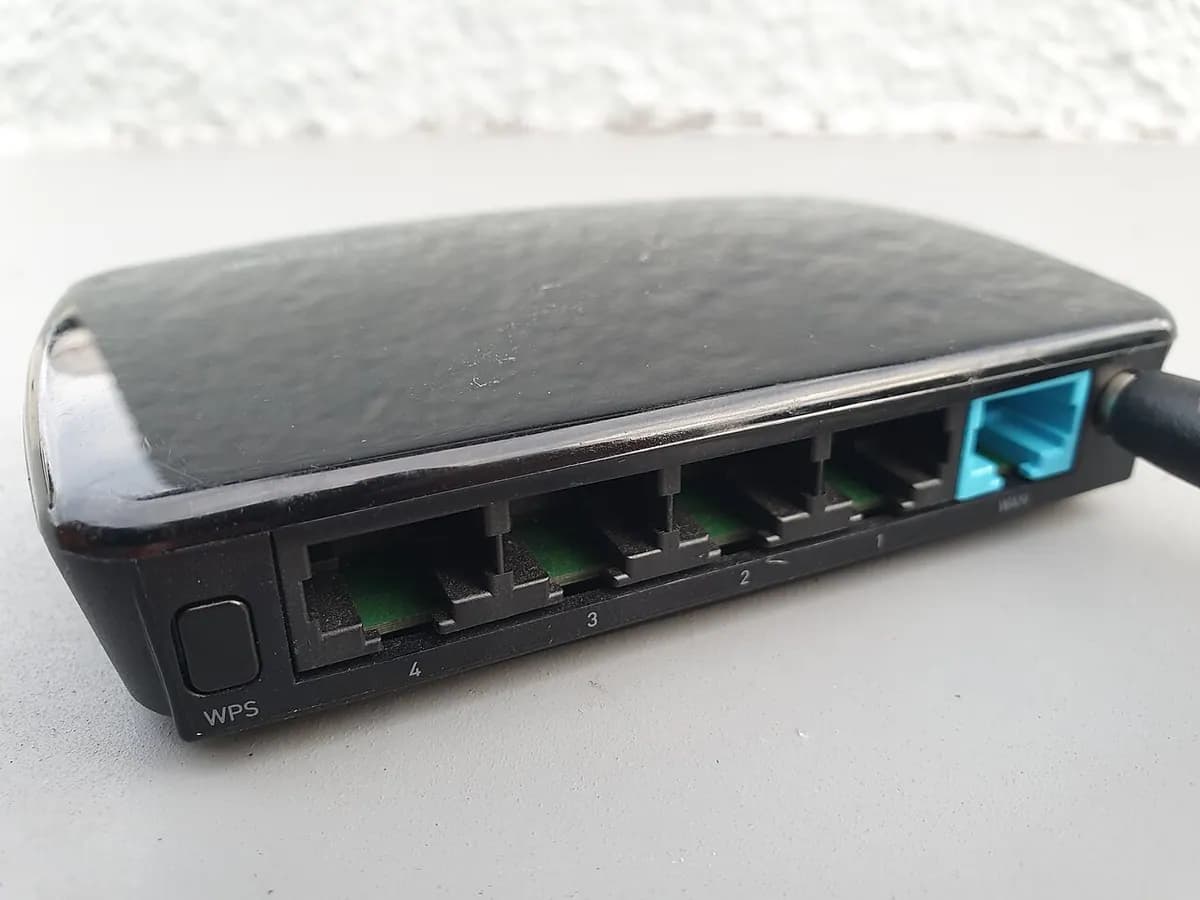
Good Wi-Fi depends on where the router sits and how many access points the house needs. Ask for coverage by room, not just the product model.
General information, not legal, tax, engineering or insurance advice. Rules and prices vary by place, so get three local quotes. Problem list updated 2026-10-04.